Guide
How to Choose an AI Pet Dance and Assign the Photos
Tell the five pet performances apart, prepare the right number of photos, assign one, two, or three roles, and check the shots that show a swap or a wrong dancer.
Match the clip before you upload
These five pages do not share one photo form. The performance on the page is the routine you will get, and the photo slots are the only characters you can replace. Play that video first. Naming the clip from memory is how people generate the wrong dance and spend a pass.
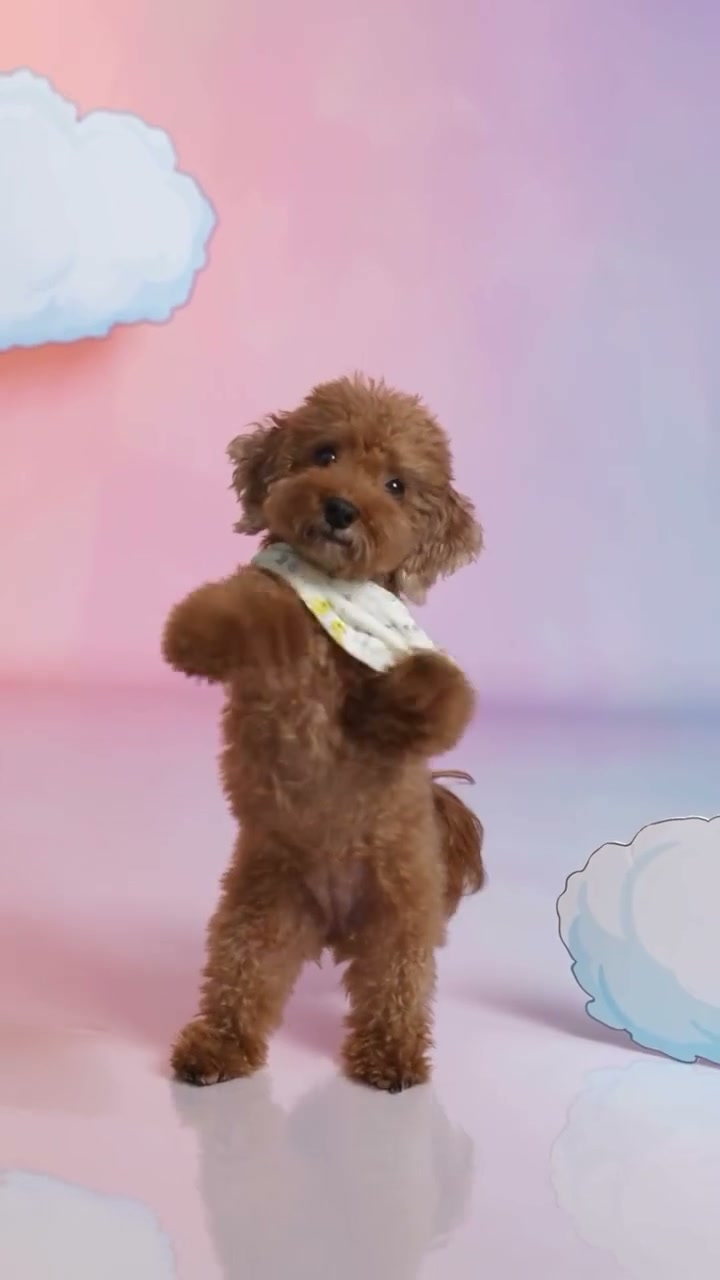
Otsukare Summer is the short solo on pastel clouds, about 8 seconds, with one pet photo and the performance background. Put a Ring on It Dog AI is the stage piece: your pet replaces only the center dancer, and two backup dancers stay. Day by Day Dance AI opens on one dancer and then forms a trio. Bad Times AI is the kitchen reaction, exactly 15 seconds. The cat and corgi clips on that page are community examples, not that 15-second file. Smalltown Boy AI is the two-character dance where the dancers exchange foreground and background. If a page you saw elsewhere used another length or another cast, it is not this file.
Prepare the photos
Every slot wants one subject, with the face and body visible. Clothes and collars only come through if they are in that photo. A group snapshot does not split into roles by itself. Crop to the pet that should own the slot, or pick another frame.
You do not upload the dance, a song, or a prompt. Each tool page loads its performance and its instruction. Choose 480p for 1 video pass or 720p for 2. There is no 1080p option and no duration field. One generation is still one video on every one of these pages.
Assign one, two, or three roles
One photo: Otsukare Summer, Put a Ring on It, or Bad Times. On Otsukare Summer that photo is the pet, and the cloud scene stays in the video. On Put a Ring on It the backup dancers are already in the video. On Bad Times the kitchen stays in the video.
Two photos: Smalltown Boy only. Photo 1 is the character who starts in the foreground. Photo 2 is the character who starts in the background. They keep those identities when they trade places and when they stand side by side. Do not assign Photo 1 to “whoever should be in front at the end.”
Three photos: Day by Day only. Photo 1 is the opening solo and the left performer. Photo 2 is center. Photo 3 is right, from the camera. Empty slots are not allowed. Three copies of one pet are three roles, not a request for a solo.
Check the shots that reveal a mistake
Otsukare Summer: close-ups and wide shots of the single pet, then the setting. The clouds stay with the performance. A second photo is not a way to change that room. Paws and small markings are the usual drift.
Put a Ring on It: the center body should be your pet, and the two backup dancers should still be the original performers. If the whole trio changed, the photo was treated as more than the center role.
Day by Day: pause the solo, then the group. Left, center, and right should match Photo 1, Photo 2, and Photo 3. If a pet appears on the wrong side, check the upload order first. Correctly assigned photos can still produce generation errors; another attempt is not guaranteed to fix them.
Bad Times: the face near the camera, the mouth timing, and the paws. The kitchen should remain the kitchen. Hands instead of paws, or your living room instead of the set, can be a generation error, even when the input photo is clear.
Smalltown Boy: opening foreground, opening background, the exchange, the side-by-side, and the walk toward the camera. Photo 1 should still be the original front character after the swap. A face that jumps to the other body is the failure to look for.
Community clips on the tool pages are examples, not your generation and not a measured success rate. When the task completes, download it from My creations. Follow the Otsukare Summer tutorial for the cloud dance. Payment and failure rules are the same packs, with 1 pass at 480p and 2 passes at 720p.
Questions
How do I tell these dances apart?
Play the performance on each tool page. Otsukare Summer is one pet on clouds. Put a Ring on It keeps two backup dancers. Day by Day needs three roles. Bad Times is the 15-second kitchen reaction. Smalltown Boy is two characters who trade places.
Can one photo feed every page?
A clear single-pet photo is enough for Otsukare Summer, Put a Ring on It, and Bad Times. Day by Day needs three role photos. Smalltown Boy needs two, and each stays on the original character.
Which page accepts a background upload?
None of these five pages accept a background upload on a new task. Each page keeps the setting that is already in its performance.
Does a longer performance cost more passes?
Length does not change the charge. Bad Times is exactly 15 seconds and the homepage dance is about 8 seconds. 480p uses 1 video pass and 720p uses 2, on every one of these pages. A pass is not itself a 720p video. The packs stay $6.90 for 1, $14.90 for 3, and $22.90 for 5.
Where do I download the finished file?
My creations on the tool page, after the task finishes. Open library lists successful videos. Community examples on the page are not your download.
Guides for your next video
Choose your photos, match the roles, and bring the performance to life.