
1 video pass
$6.90 per pass
One 480P video. A 720P video requires 2 passes.
Start with your photos- One-time purchase
- Passes do not expire
- 480p uses 1 pass, 720p uses 2
- One pet photo
- Download with reference sound
Use one pet photo for the Bad Times kitchen reaction. The performance keeps the room, the camera, and the timing. Your photo supplies the pet.
Preview the dance
Preview the routine and explore different looks before choosing your photos.
Community examples for inspiration; not generated with this tool.
From pet photo to dance video
Pet photo: Required. This photo supplies the only pet. The kitchen, camera, and reaction timing stay with the performance.
Sign in and choose a one-time pack if you need passes. After checkout, return to your photo, choose 480p or 720p, and select Generate. 480p uses 1 video pass and 720p uses 2. Purchasing alone does not start a task.
Open My creations to watch the completed performance with sound. Check each character through the movement, then download the version you want to keep.
Bad Times AI puts your pet into the expressive kitchen performance. One photo supplies the face, fur, body shape, and outfit, while the prepared clip supplies the reaction.
Choose a clear image where the eyes and muzzle are visible, with one pet in the frame. The expression comes from the video, so your pet does not need to be making an angry face in the photo. Preview the reference to decide whether its style fits your idea.
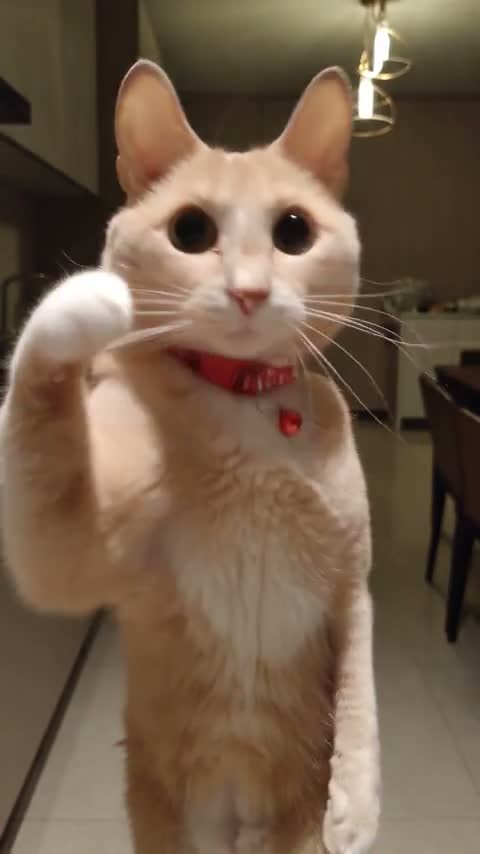
This page uses the first 15 seconds of the pet reference: the mouth movements, facial reactions, and paw gestures follow that fixed performance. No written prompt, reference upload, or acting is needed.
The cat and corgi community examples show variations of the broader routine; they are inspiration, and may have different lengths. The Original player above is the 15-second source used for your task.
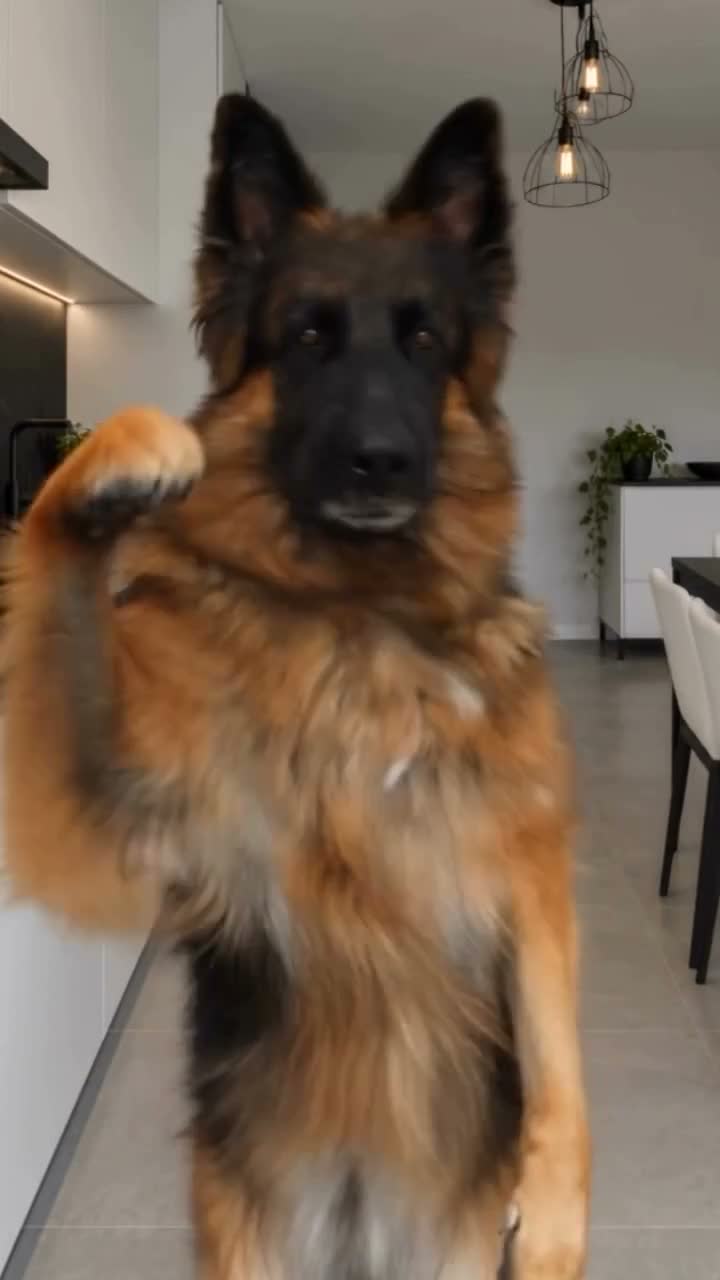
The kitchen, framing, and camera come from the supplied video. Your photo replaces the sole performer. There is no optional background image, second-character slot, or setting selector.
For two pets in one performance, try Smalltown Boy; for three roles, choose Day by Day. The photo guide helps you match the clip you saw to the right tool.
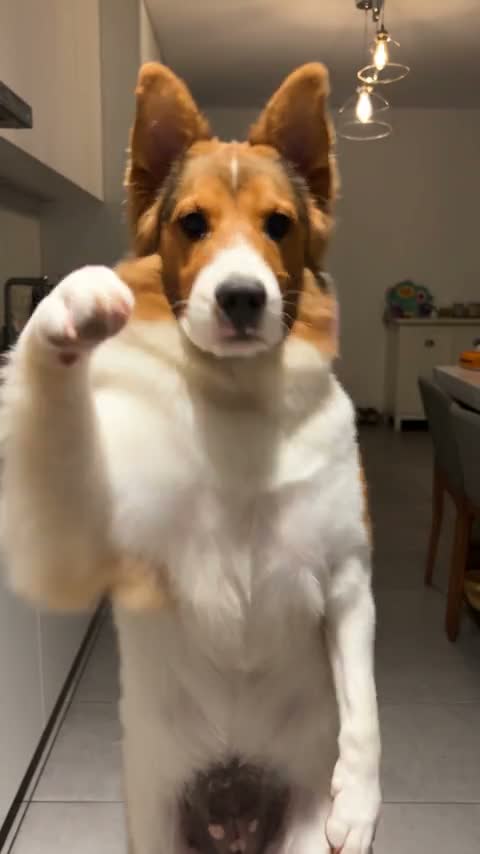
The finished vertical video includes the reference soundtrack. Select 480P for 1 video pass or 720P for 2, then preview the full result in My creations before downloading.
Add a reaction caption or trim a copy in your preferred editor. Keep the mouth and eyes clear so the expression can carry the joke. Reusing a saved download for different edits does not require another generation.
Turn a familiar pet face into an expressive reaction, then add a caption that fits the moment.
Let the kitchen performance supply the attitude while your pet photo supplies the look.
Download one completed reaction and reuse it in your editor for different messages without regenerating the picture.
Check each photo in its labeled slot before you start. Choose 480P or 720P and review the pass cost beside Generate.
Your task and its result stay together. Return to the same account to check progress, play a completed dance, or download it again. Check an existing task before submitting a second one.
Download the completed clip before adding a caption, greeting, or trim in another app. Keep an original copy so you can make different edits without generating the dance again.
If a completed picture needs audio recovery, use the result’s audio retry. It restores the reference track without making a new visual generation or spending another video pass.
Start with one video or choose a pack for more pets and variations. Every generation is one video and includes the reference soundtrack. 480p uses 1 video pass and 720p uses 2. A pass is not itself a 720p video. The other dances on this site use the same rule. Choose the number of attempts you want before creating.
$6.90 per pass
One 480P video. A 720P video requires 2 passes.
Start with your photosAbout $4.97 per pass
Three 480P videos, or one 720P video with 1 pass left.
Start with your photos$4.58 per pass
Five 480P videos, or two 720P videos with 1 pass left.
Start with your photosOne-time payment. No subscription. Passes never expire.
Exactly 15 seconds. This page uses the pet performance shipped with the page, in a kitchen, with its original sound. There is no control to extend it to 30 seconds. The cat and corgi clips are separate community examples. They are not this 15-second performance and not the file the form submits.
The pet’s face, fur, proportions, clothing, and accessories. The kitchen, camera, mouth timing, and paw gestures follow the performance. Furry paws should stay paws rather than turning into hands.
No. This page takes one pet photo. The kitchen stays in the performance. A second pet needs a different page, such as Smalltown Boy or Day by Day.
Gallery previews can start muted. The generation model does not invent a soundtrack. The finished task restores the performance’s own audio. Listen to the performance player on this page before you generate.
No. The performance file loads with this page. You add one pet photo. A video from your camera roll is not an input, and there is no control to replace the supplied clip.
Choose your photos, match the roles, and bring the performance to life.
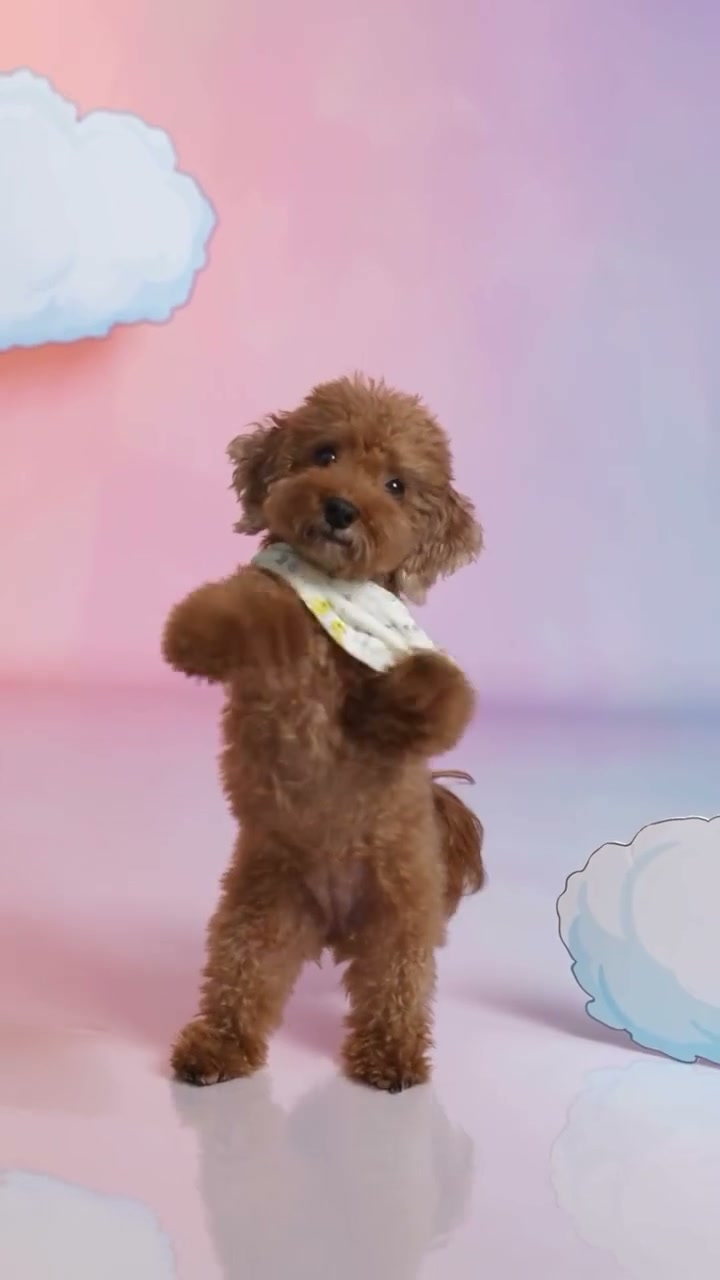
Upload one pet photo, generate the Otsukare Summer dance, then check the face, paws, setting, and soundtrack before you download.
Read guide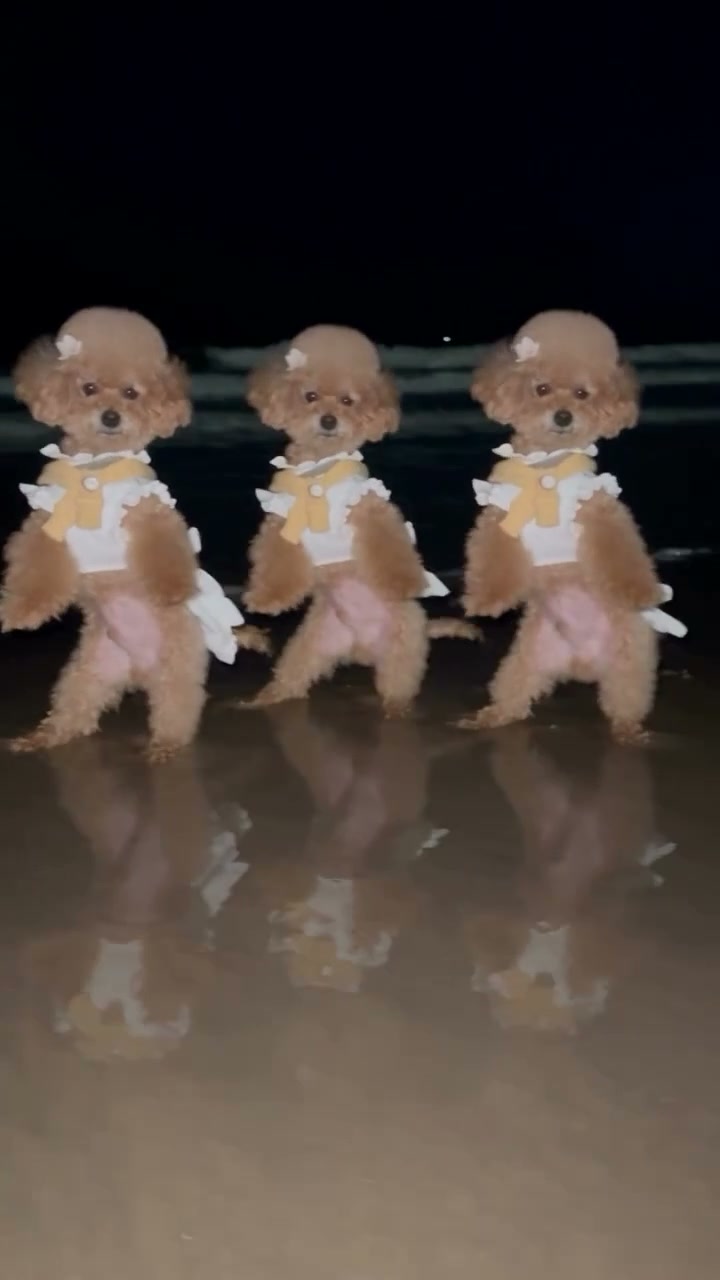
Tell the five pet performances apart, prepare the right number of photos, assign one, two, or three roles, and check the shots that show a swap or a wrong dancer.
Read guideChoose your photos and bring them into the performance. The movement, scene, and original soundtrack are ready.
Create my video