
Guide
How to Make an Otsukare Summer AI Dog Dance
Upload one pet photo, generate the Otsukare Summer dance, then check the face, paws, setting, and soundtrack before you download.
Start on the right page
This guide is only for the Otsukare Summer dance on the homepage: one pet, raised-paw movement, and the pastel cloud scene that stays in the performance. Open the Otsukare Summer AI generator and play Original before you upload. If the clip you remember has backup dancers, three pets, a kitchen argument, or two characters trading places, stop here and use the matching tool. The pet dance selection guide compares those five performances.
You do not bring your own choreography file. The dance reference is already attached to the page. You also do not type a prompt. The page uses one prepared instruction for the one pet photo, so you can generate without writing instructions.
Choose the pet photo
Use one photo of one pet. The face, coat, body, and any outfit you want should be visible. Sitting or standing is fine. The photo supplies appearance. The reference supplies the dance, so the pet does not need to already be mid-step.
Avoid a second pet overlapping the legs or ears, and avoid a crop that is only a nose. Small tags and fine patterns can change once the body moves. The pet photo supplies the pet. It does not replace the cloud scene. A second upload is not accepted on a new task.
The background stays in the performance
A new task accepts one pet photo. The cloud scene stays in the dance reference. There is no Background photo slot and no way to attach a room, garden, or party image to this dance.
The setting can still shift in perspective and light as the camera moves. It will not be a pixel copy of a photo you did not upload. People or animals already in the performance are part of that reference, not extra dancers from a second file.
Generate
Sign in. If the balance is empty, choose a one-time pack from the pricing section: $6.90 for 1 video pass, $14.90 for 3 passes, or $22.90 for 5 passes. After checkout, return to the same photos and select Generate. Buying a pack does not start the video by itself.
The line on the button shows this request: 1 video pass at 480P, or 2 video passes at 720P. The page does not show a duration slider, an aspect-ratio picker, a 1080p option, or an audio upload. The length follows the reference. Wait for My creations rather than assuming a closed tab means the task failed.
Check the result, then download
Play the finished clip with sound. The model does not compose music. The reference track is restored onto that task. If a completed picture offers an audio retry, that restore does not spend another pass. Gallery thumbnails elsewhere on the page can be muted. The black-and-tan community example has no audio track. Those previews are not your download.
Scrub the close-ups and the wider shots. Check the face, coat, paws, and any outfit. Then check the setting, which stays the performance scene. Likeness and exact choreography are not guaranteed. Download the clip you want to keep from My creations. Add captions in another app. A completed remake spends the passes for the resolution you choose. A confirmed processing failure returns the passes that task used. Payment refunds follow the Refund Policy.
Community examples under the generator are other pets in this routine. The page says they were not generated with this tool. Use them to see framing, not as proof of what your photo will do.
Questions
Do I need a prompt or a dance video of my own?
No. The Otsukare Summer page loads the dance and fills the instruction. You add one pet photo. The performance keeps its own background.
Can I upload a background photo?
No. A new task on this page accepts one pet photo. The dance keeps the background already in the performance. A second image is not accepted.
How long is the clip, and where is the music control?
The reference is a vertical clip of about 8 seconds. Choose 480p for 1 video pass or 720p for 2. There is no 1080p option, no length field, and no music upload. The finished task restores the reference soundtrack.
Does 720p cost a second pass?
720p uses 2 video passes for the one video. 480p uses 1. A pass is not itself a 720p video. A completed remake spends the passes for the resolution you choose. A confirmed processing failure returns the passes that task used.
What if I close the tab while it runs?
Open My creations before you generate again. Closing a tab or losing the connection does not, by itself, mean the task failed. Generating another video costs 1 pass at 480P or 2 passes at 720P.
Guides for your next video
Choose your photos, match the roles, and bring the performance to life.
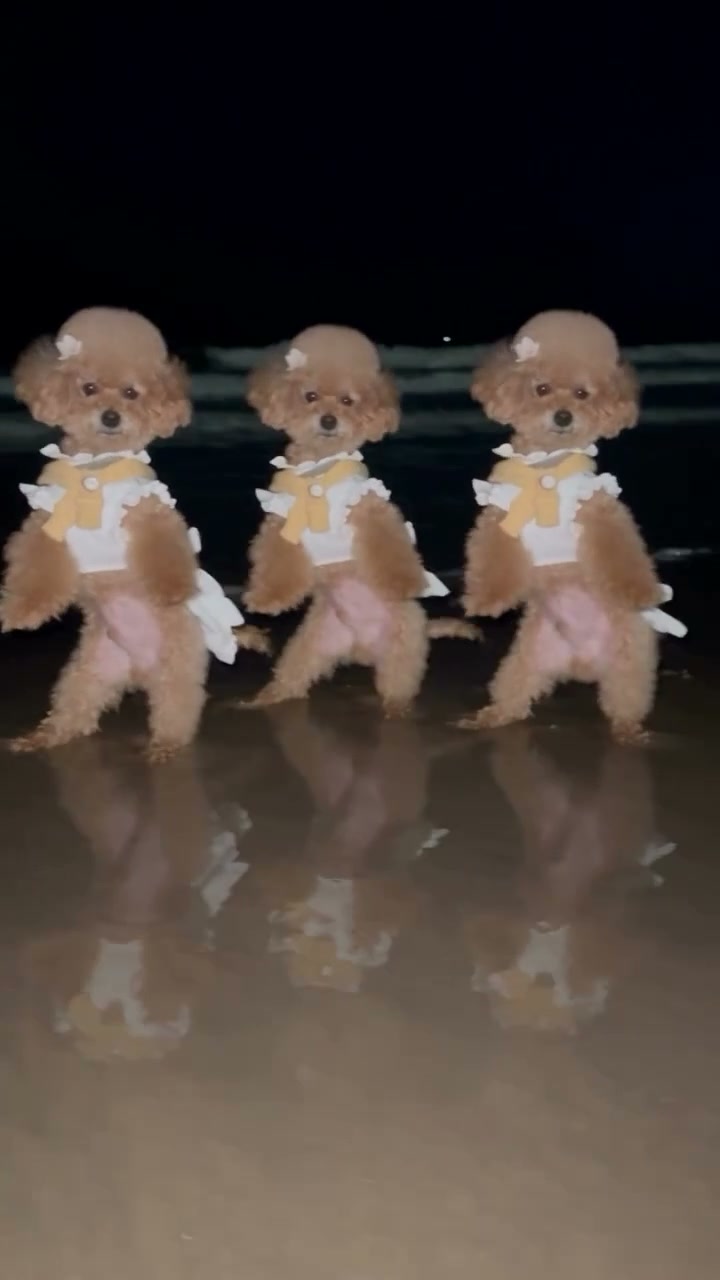
How to Choose an AI Pet Dance and Assign the Photos
Tell the five pet performances apart, prepare the right number of photos, assign one, two, or three roles, and check the shots that show a swap or a wrong dancer.
Read guide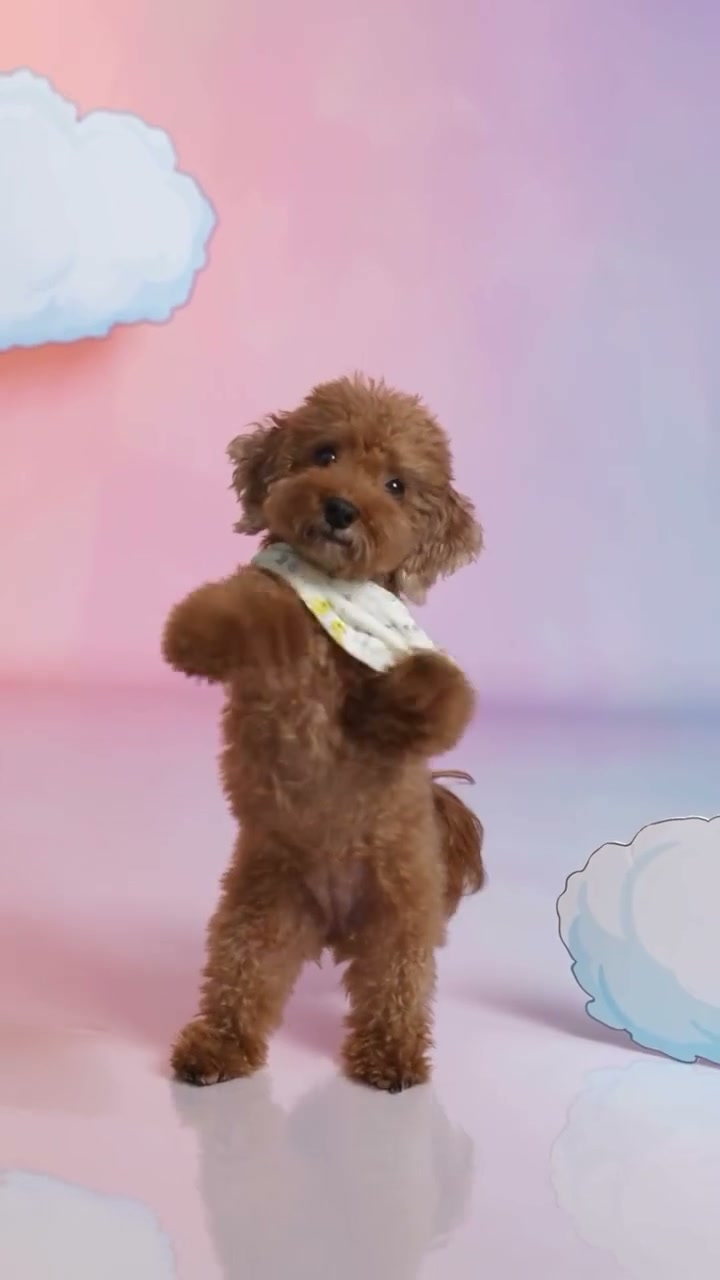
All guides
The short list of tutorials on this site.
Read guide